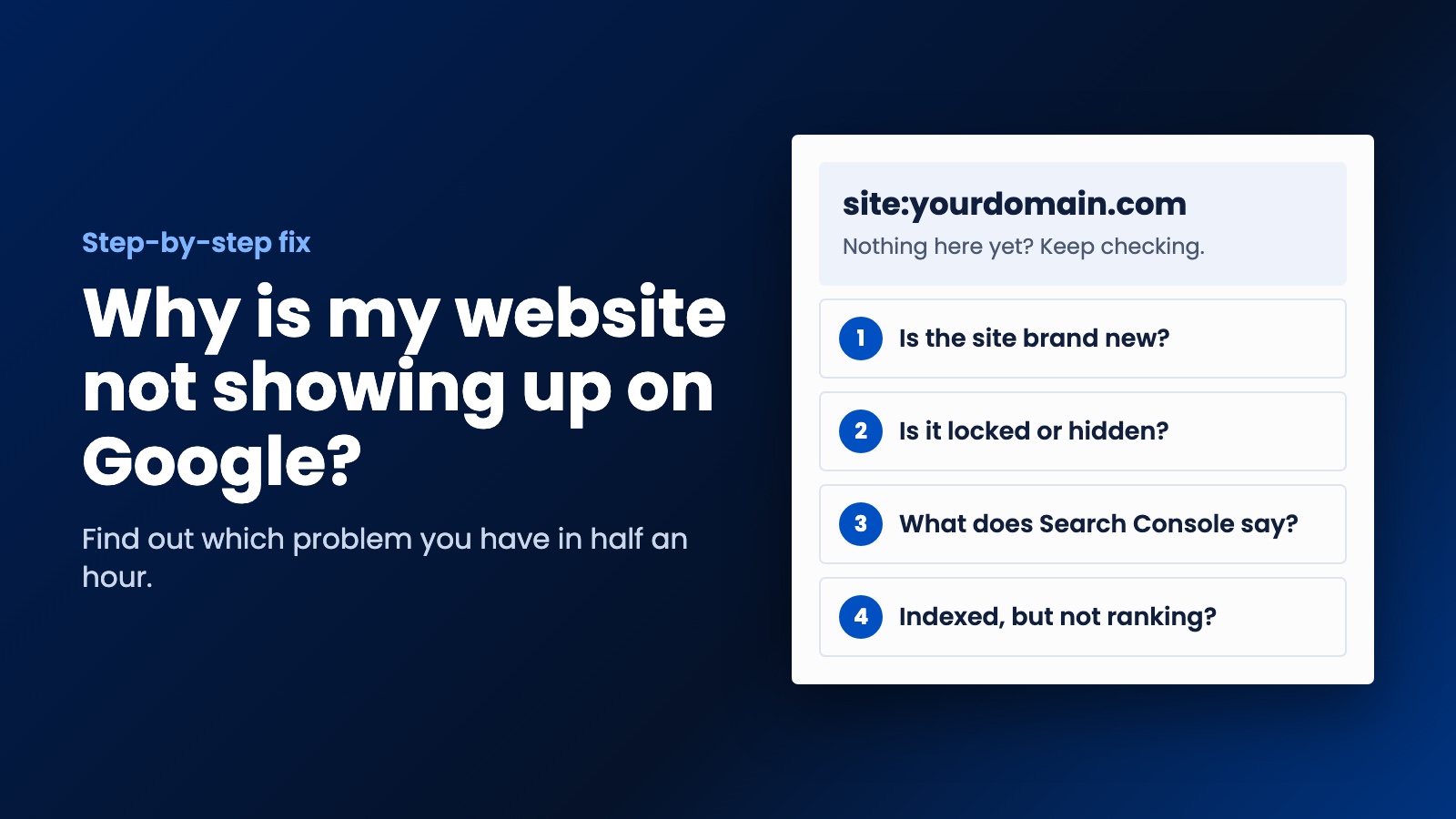
Usually it is either too new or one small setting that nobody turned off. Work through these steps with free Google tools and you will know which it is within half an hour.
You paid for a website, it went live, and now you've typed your business name into Google and nothing's there. So why is my website not showing up on Google? That's one of the most common questions owners ask, and most of the time the answer is either "give it a bit longer" or one small setting that nobody turned off.
You don't need to be technical to find out which it is. Work through these steps in order, and you'll know what's going on within half an hour.
Step 1. Check whether Google knows about your site at all
Go to Google and type site:yourdomain.com, using your own address and no spaces. This shows the pages Google has on file for your site.
- If pages show up, you're in the index, and your problem is really about ranking. Skip ahead to step 6.
- If nothing shows up, keep going.
Don't panic if the list looks short. Google says this search won't necessarily return every indexed page. It's a quick check rather than a full count.
Step 2. Ask yourself how new the site is
If your site went live last week, this may be all it is. Google says a new site can take a few weeks to get noticed. It's annoying, but it's normal. Small sites with no links pointing at them can take longer, as Google has fewer ways of finding them.
You can still speed things along, which is what the next steps do. Just don't pay anybody who promises to "submit you to Google" for a fee. You can do that yourself for free.
Step 3. Open your site in a private window
This one takes ten seconds. Open an incognito window and go to your site. If you get a login screen, a "coming soon" page or a password prompt, Google's probably seeing the same thing, and it can't index what it can't reach.
This happens more often than you'd think. Sites often get locked away during the build, and then nobody remembers to open them up at launch.
Step 4. Set up Google Search Console
Search Console is Google's free tool for site owners, and it's the only place Google will tell you directly what's wrong. Sign in with your Google account, add your domain, and follow the steps to prove it's yours. Your domain or website provider can help if you get stuck on that part.
Then open the Page indexing report. It lists your pages and the reason any of them aren't in Google. Here's what the common reasons mean in plain English:
- Excluded by "noindex" tag. Your site's telling Google to stay away. This is the classic mistake. On WordPress, look under Settings, then Reading, and make sure "Discourage search engines from indexing this site" isn't ticked.
- Blocked by robots.txt. A file on your site is stopping Google from crawling that page. Ask whoever built the site to check it.
- Discovered, currently not indexed. Google knows the page exists but hasn't visited yet. Usually you just wait.
- Crawled, currently not indexed. Google looked and chose not to include it for now. Google says this is common, and it isn't always a problem. If it's an important page, make it more useful, then ask again.
- Duplicate pages. Google thinks this page is a copy of another one, so it shows just one of them. This often comes from having a www and a non-www version of a site.
Step 5. Ask Google to look at your most important page
Once you've fixed anything you found, paste your home page address into the search bar at the top of Search Console. This is the URL Inspection tool. If the page isn't in Google, click "Request indexing."
Do it for your home page and your main service pages, and then stop. There's a daily limit, and asking repeatedly won't move you up the queue. Google's also clear that a request doesn't guarantee the page will appear.
Step 6. If you're indexed but nobody can find you
This is a different problem, and a more common one. Search for your exact business name. If you show up for that but not for "plumber in Leeds," then Google has your site just fine. It simply doesn't rank you for that search yet. New sites rarely do straight away.
Here's what tends to help most for a small business:
- Say what you do and where. A home page that says "Welcome to our family of solutions" gives Google nothing to go on. Say "Emergency plumber in Leeds" instead.
- Give each service its own page. A single page listing twelve services has a hard time ranking for any of them.
- Set up your Google Business Profile. For local searches, this can matter as much as your website. Here's how to do that.
- Earn a few real links. Your suppliers, your trade association and your local chamber of commerce are good places to start. Don't buy links, though, as Google warns that can break its spam policies.
- Check the basics. Google also asks that pages load quickly on all devices and use HTTPS. Our free SEO Analyzer and Page Speed Test will show you where you stand.
Be patient with this part. It usually takes months rather than days, and anyone who guarantees you a top spot is promising something they don't control.
A few things that waste your time
Searching for yourself over and over won't help, and your results may differ from what a customer sees anyway. Rebuilding your whole site is rarely the answer either, because it's usually a small setting or thin content. And paying a "submission service" just gets you something you could have done for free.
Why is my website not showing up on Google even now?
If you've been through all of this and you're still stuck, or if Search Console's talking in riddles, it may be worth getting someone to look at it. Send us your address and we'll run a free website check and tell you what we find in plain English.
That's how we work with small businesses in general at WebDo24. We show you what's wrong and what we'd do about it before there's any talk of a deal. If you'd rather start fresh with a site built to be found, and one that follows up with customers too, tell us about your business. If a small fix is all you need, we'll say so.
Need help putting this into practice?
Our team can do it for you — a clear plan and price within 24 hours, no obligation.