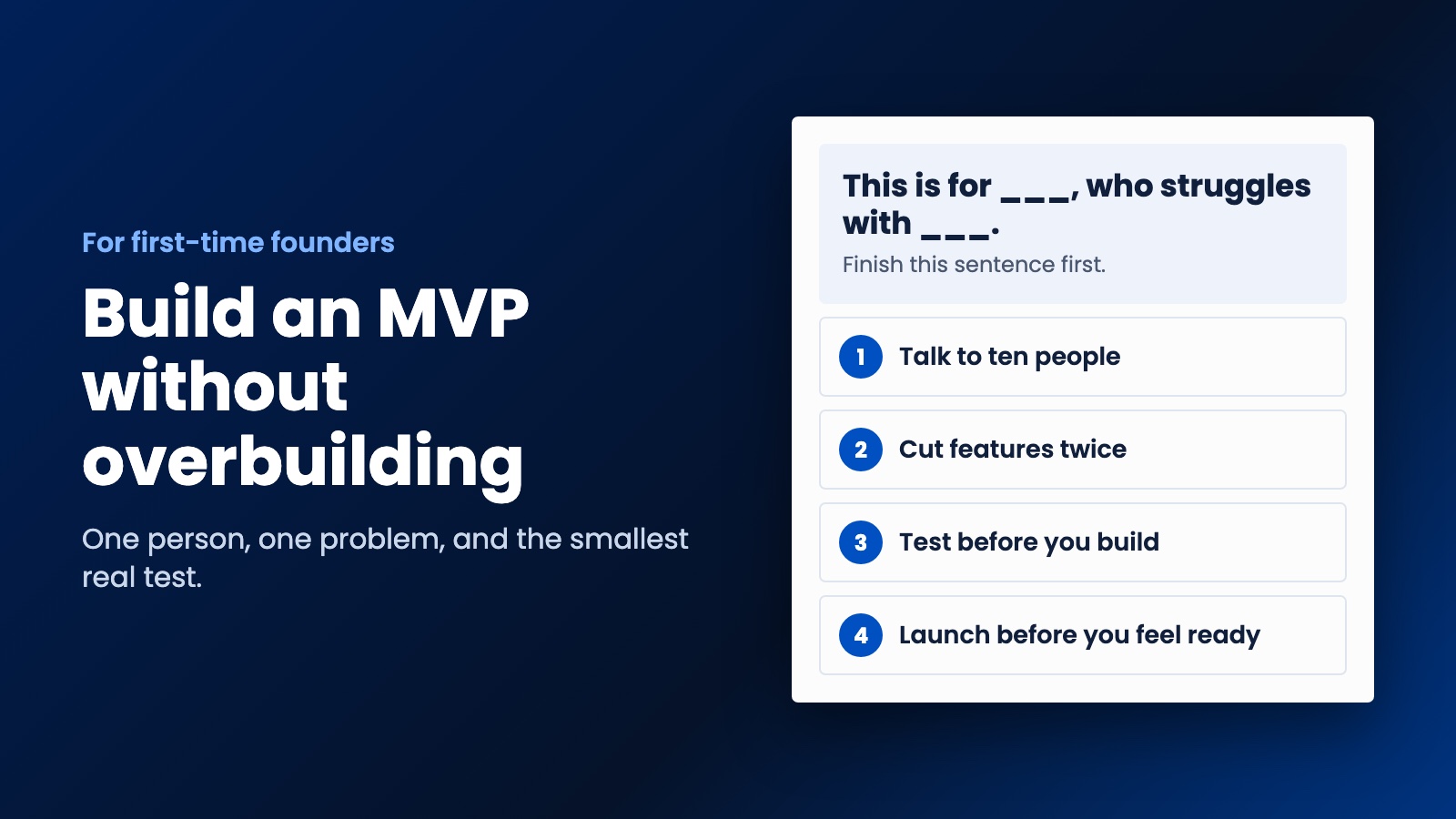
Almost every first-time founder wants to build too much. Here is how to pick one problem, cut your feature list, test the idea cheaply and launch before you feel ready.
Almost every first-time founder wants to build too much. You've got a good idea, you can picture the finished product, and every feature feels essential. So before you spend your savings, let's talk about how to build an MVP for your startup in a way that actually tells you whether the idea works.
MVP stands for minimum viable product. It's the smallest version of your idea that a real person would use and maybe pay for. It isn't a broken version of your dream app. It's a test, and you want the answer as quickly and as cheaply as you can get it.
Step 1. Write down one person and one problem
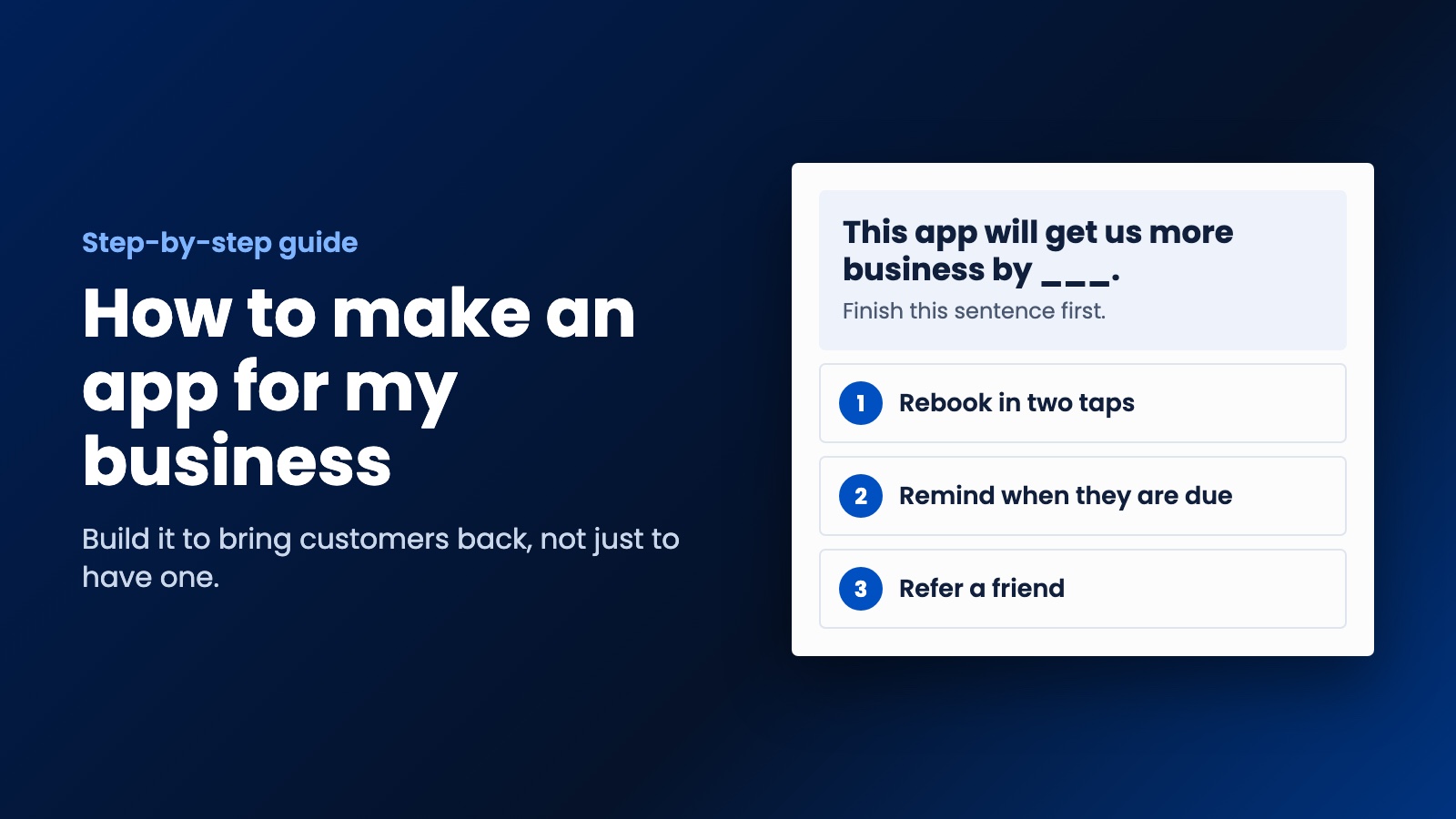
Finish this sentence: "This is for ___, who struggles with ___, and today they deal with it by ___."
"This is for everyone" doesn't count. Compare that with: "This is for independent cleaners who lose track of when clients are due, and today they use a paper diary." You can find those people, talk to them and build something for them. You can't do any of that with "everyone."
That last part of the sentence matters most. If people are already patching the problem with spreadsheets, group chats and sticky notes, that's a good sign. They care enough to do something about it. If they aren't doing anything at all, ask yourself whether it's really a problem for them.
Step 2. Talk to ten of them before you build anything
We know you want to get started, but this will save you more than any developer can. Find ten people who fit your sentence and ask how they handle the problem today. Don't pitch your idea, because people are polite and they'll tell you it sounds great. Ask what they did last time it came up, what it cost them, and what they've already tried.
If you can't find ten people to talk to, that's useful to know as well. It's going to be even harder to find customers later.
Step 3. Cut your feature list in half, then do it again
Write down everything you think your product needs. Now go through it and ask, for each item, "Could someone get the main benefit without this?"
Login with Google? Email's fine for now. Dashboard with charts? A weekly email will do. Admin panel? You can use a spreadsheet. Android and iOS on day one? Probably not. You should end up with one main thing the product does, and only what's needed to do it.
A good test is whether you can describe the entire product in a single sentence that begins with a verb. "Remind clients when their next clean is due." If you need the word "and" three times, it's not minimal yet.
Step 4. See if you can test it without building anything
This is the step founders tend to skip, and it can save you months. Depending on your idea, you might be able to run a test like one of these:
- A landing page. Describe the product, add a price and put up a button that collects email addresses. If nobody signs up, you've learned something for very little money.
- Do it by hand. Offer the service yourself, behind the scenes, to your first few customers. It won't scale, and it doesn't need to. You'll learn exactly what they want.
- Glue existing tools together. A form, a spreadsheet and an automation tool can often pass for a product long enough to prove demand.
If people will pay for the manual version, you've got a much better reason to build the real one.
Step 5. Choose how to build an MVP for your startup
When you're ready to build, this is the decision that affects your budget most. For most startups we'd go in this order:
- A web app first. It runs in any browser, you have one version to update, and you can change it the same day a customer complains. A progressive web app can even be launched from a phone's home screen.
- One cross-platform mobile app next, if your product really needs to be on the phone. Tools like Flutter and React Native let one codebase run on iOS and Android.
- Separate native apps last, and usually only once you've got customers and a good reason.
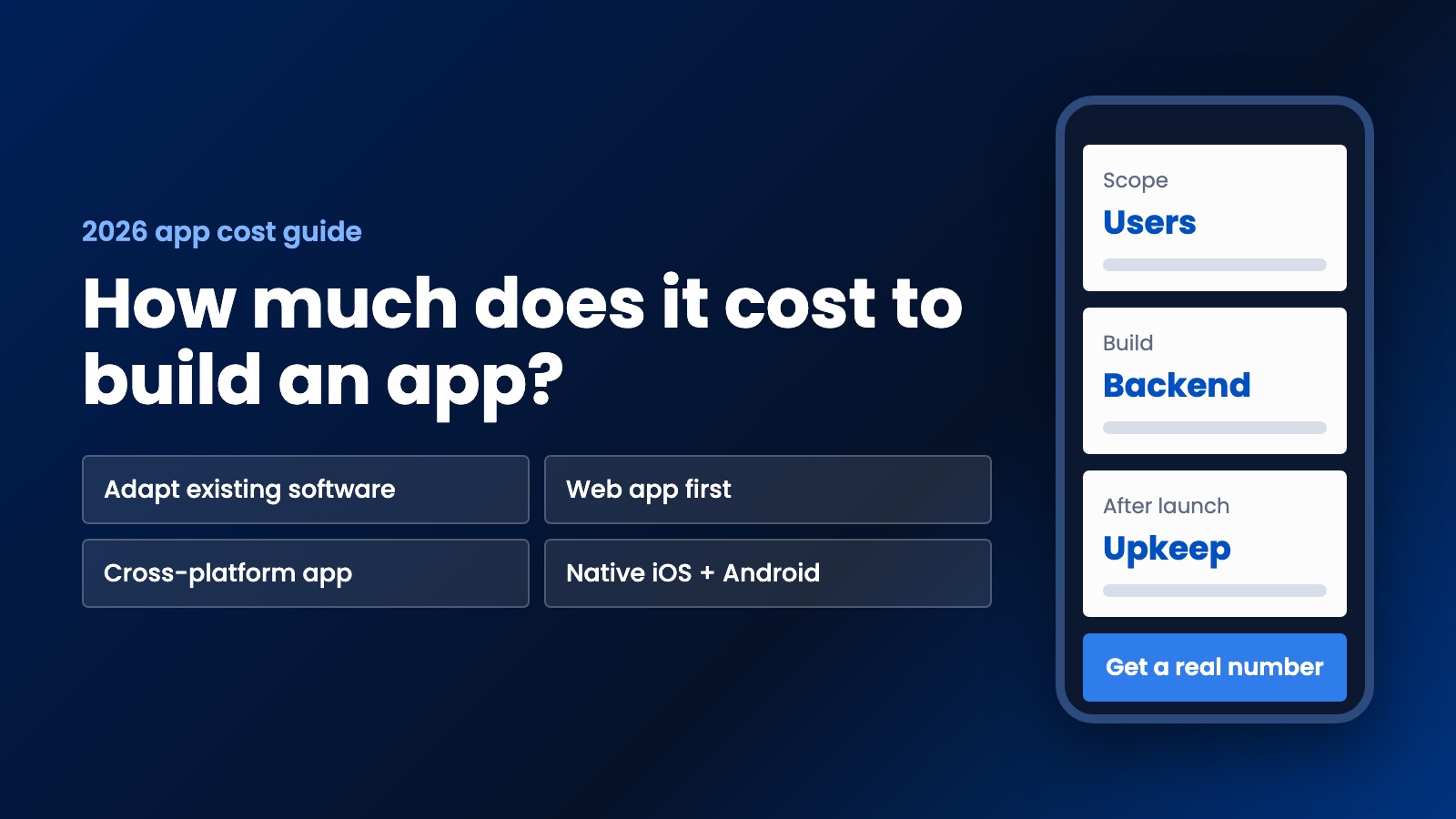
Of course some ideas do need to be mobile from day one, particularly anything built around the camera, location or being out in the field. That's fine. Just make sure that's what the product needs, not only how you imagined it. We've written more on what it costs to build an app if you want to see how those routes compare.
Step 6. Decide what success looks like before launch
Pick one or two numbers and write them down now, before you get attached. Maybe it's "20 people pay within the first month," or "half of the people who try it come back the next week." Downloads and sign-ups feel good, but they don't tell you much. What you're looking for is people paying, or people returning.
Without this, you'll find a way to call any result a success, and you'll keep building.
Step 7. Launch before you feel ready
You'll want to polish it for another month. Try not to. Get it in front of those ten people you spoke to, watch them use it, and fix what actually trips them up. Early users are surprisingly forgiving of rough edges when you're solving a real problem for them, and they'll tell you what to build next far better than your feature list will.
If you'd like another view on this, Y Combinator's startup library has a guide to planning an MVP that's worth your time.
Mistakes that burn through a startup's budget
The most common one is building in secret for a year and launching to silence. Close behind is hiring a developer before you know what you need, then changing direction halfway through. Watch out for picking technology because it sounds impressive too, since nobody buys your product because of your database. And don't fall into the trap of spending your whole budget on version one. Keep some back, because you'll change things once real people start using it.
Working with a developer on your MVP
If you're not technical, find someone who's willing to talk you out of features. Our list of questions to ask a web developer will help you tell who's who. You should be able to explain your one-sentence product and get back a plan that's smaller than you expected. If the plan is bigger than you expected, ask why.
This is the kind of work we like at WebDo24. We build web apps and iOS and Android apps for startups and small businesses, and our prices are set for people spending their own money. A web app or portal starts from $5,999, and the rest of our pricing is public. We'll walk you through the strategy first, including what we'd cut, and we only go ahead if it makes sense to you. Send us your one-sentence idea and we'll tell you honestly what we'd build first, and whether you need to build anything yet.
Need help putting this into practice?
Our team can do it for you — a clear plan and price within 24 hours, no obligation.