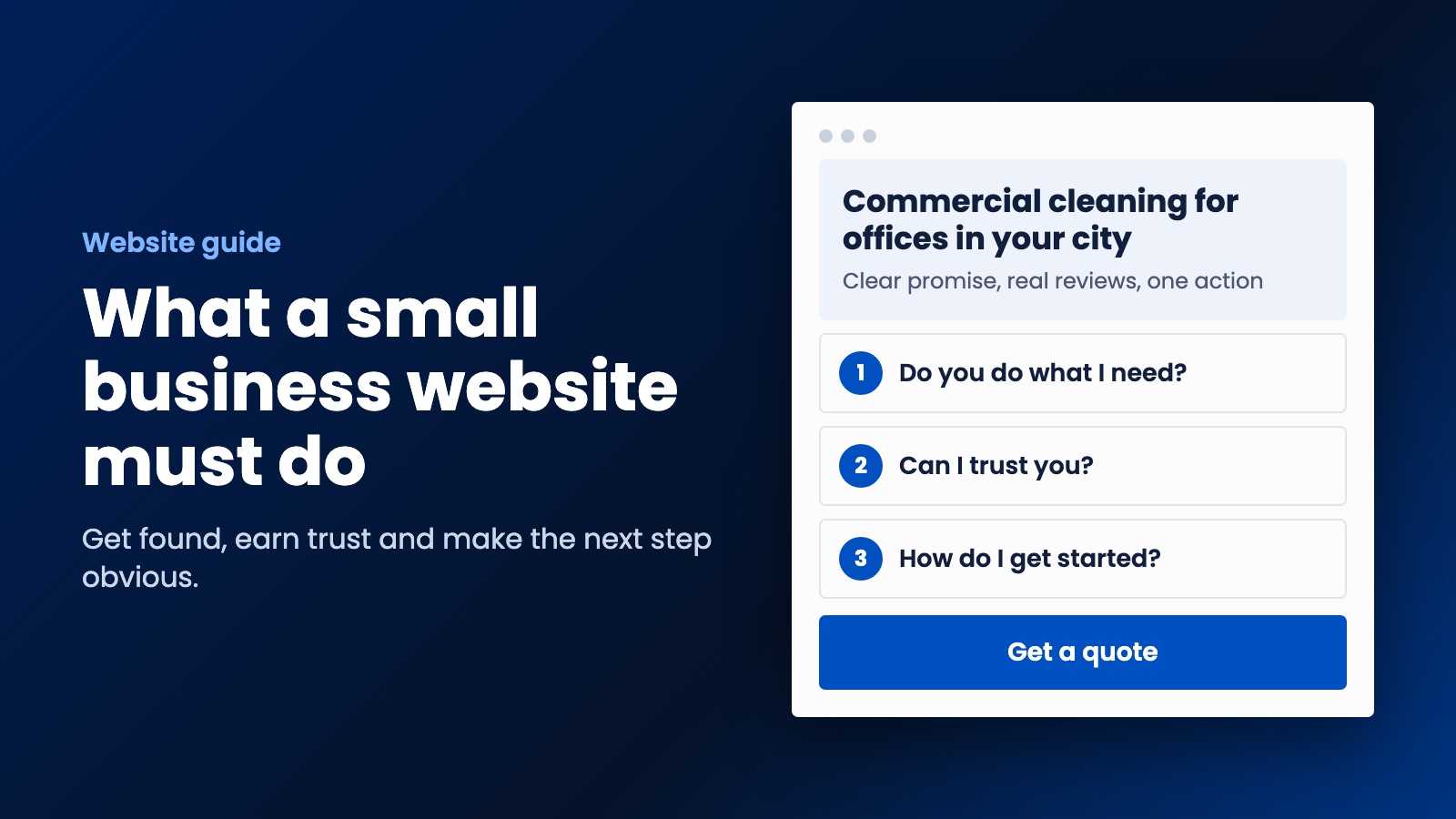
Buying more visitors will not help if nobody gets in touch. Most small business websites lose people in the same few places, and you can test the fixes yourself this afternoon.
Getting people to your website is only half the job. Working out how to turn website visitors into customers is the half that pays the bills, and it's usually much cheaper to fix. If a hundred people visit and nobody gets in touch, buying another hundred visitors won't help. You'll just have a bigger group of people leaving.
The good news is that most small business websites lose people in the same few places. You don't need a redesign to fix them, and you can test a lot of this yourself this afternoon.
Watch a stranger use your site
Before you change anything, ask someone who doesn't know your business to find something on your site using their phone. A friend's teenager is perfect. Say, "Imagine you need this service. Find out if they can help and get in touch." Then keep quiet and watch.
It's a painful ten minutes. They'll scroll past the thing you're proudest of, they won't understand your headline, and they'll struggle to find the button you thought was obvious. That's worth more than any report, because it shows you where real people get stuck.
Fix your headline first
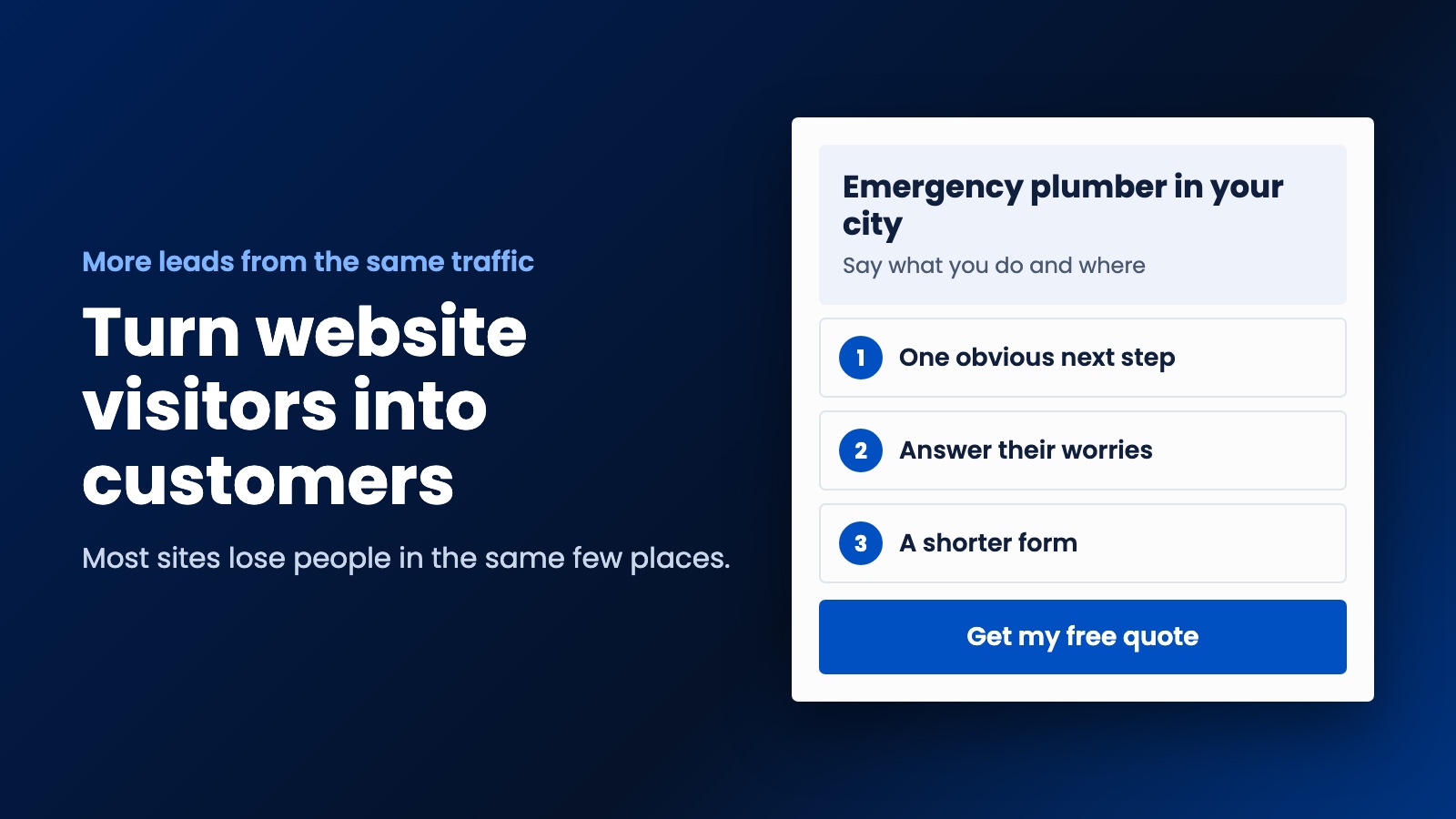
Your headline has one job, which is to tell people they're in the right place. "Quality you can trust" could be anybody. "Emergency plumber in Bristol, usually with you within two hours" tells me what you do, where you do it, and why I should call you.
Only say what's true, of course. But be specific. Numbers, places and plain descriptions of the job will beat clever wording nearly every time, and a visitor shouldn't have to scroll to work out what you sell.
Give people one obvious next step
Lots of sites offer a phone number, an email address, a form, a newsletter, six social media icons and a chat bubble, all on one screen. So people do the easy thing, which is nothing.
Pick the action you want most. For a plumber that's a phone call. For an accountant it might be a free 15-minute chat. For a cleaner it might be a quote. Make that your main button, repeat it down the page, and keep it visible on phones. Everything else can be quieter.
Also, look at the words on your button. "Submit" tells me nothing. "Get my free quote" tells me what happens when I press it.
Answer the worry they haven't told you about
Everyone arrives with a doubt. Will they turn up? Will it cost a fortune? Are they going to pressure me? Can I trust them in my house? If your page doesn't deal with those worries, the visitor takes them over to the next tab.
A good way to find them is to ask whoever answers your phone what people always ask. Then answer those questions on the page, near your button:
- If people worry about price, show a guide price or explain how you work it out.
- If they worry about quality, show real reviews and photos of real jobs.
- If they worry about commitment, say "no obligation" and mean it.
- If they worry about who you are, show your face and your name.
Make your form less of a chore
Every question you add gives someone another reason to give up. Do you really need their company size and how they heard about you before you've even spoken? Start with a name, a way to reach them and what they need. You can ask the rest later.
Then test it yourself, on your phone, with your thumb. Does the right keyboard come up for the phone number? If you get something wrong, does it tell you what? Does it keep what you've typed? And after you hit send, does the page tell you what happens next? "Thanks, we'll call you within a working day" is far better than a little line saying "Message sent."
Reply faster than anyone else
This is the part nobody counts as a website problem, yet it's where a lot of leads die. Someone fills in your form while they're comparing three companies. If you ring them tomorrow, they may have already booked somebody else.
So make sure a new enquiry reaches you immediately, on your phone. Send an automatic reply straight away so that they know it worked and what to expect. And if you can't answer calls during a job, set up a text or voicemail that says when you'll ring back. Our guide on automating your small business walks through how to set this up.
Catch the people who aren't ready yet
Most visitors won't buy today, and that doesn't mean they're not interested. They might be researching for next month. If all your page offers is "buy now," they'll leave and forget you.
Give them something smaller to say yes to. A free checklist, a price guide, a short audit or a simple email reminder all work. A roofer might offer "the seven things to check after a storm." Keep in touch with those people by email, with their permission, and be useful rather than noisy. When they're ready, you're the name they know.
Keep the customers you win
Turning a visitor into a customer is hard work, so don't let it be a one-time thing. Ask for a review right after the job, as those reviews will help convert the next visitor. And if your work repeats, remind people when they're due. We built this into a website and apps for a cleaning company in Australia, so customers hear from the business when their next clean comes around. You can start with a simple reminder system of your own.
How to know what's working
You only need a simple number. Each month, take the people who contacted you and divide by the number of visitors. Twenty enquiries from a thousand visitors is 2%. Don't worry about what's normal for other businesses, as it varies too much to matter. Just try to beat your own number.
Change one thing at a time, then give it a few weeks. Change your headline, your form and your button all at once, and you won't know which one helped. Set up free analytics if you haven't already, and record form sends and phone taps as well as visits.
How to turn website visitors into customers in one hour
If you only have an hour, do these in order: rewrite your headline, make one button obvious on a phone, cut your form down, and make sure enquiries reach your phone immediately. If you'd like to see how your site's doing in general, try our free SEO Analyzer and Page Speed Test.
And if you'd rather have someone do it with you, this is what we do at WebDo24 for small businesses and startups. We won't throw promises at you. We'll look at your site, explain where you're losing people and show you the plan, at a price a small business can live with. If it makes sense to you, we'll get to work. If not, you're welcome to keep the advice. Tell us about your business and we'll take a look.
Need help putting this into practice?
Our team can do it for you — a clear plan and price within 24 hours, no obligation.