An app should bring you more customers or get existing ones buying more often. This guide takes you through planning, building and launching one that earns its keep.
If you've been wondering how to make an app for my business, you've probably already had a look at a few app builders, and maybe a quote or two that made you wince. Before you go any further, here's the idea that will save you the most money: an app shouldn't exist because apps are nice to have. It should exist to bring you more customers, or to get your existing customers buying more often.
So this guide starts with that question, then takes you through planning, building and launching an app that earns its keep. If you're not sure you need one at all, read our honest answer to that first.
Step 1. Decide what the app will do for your sales
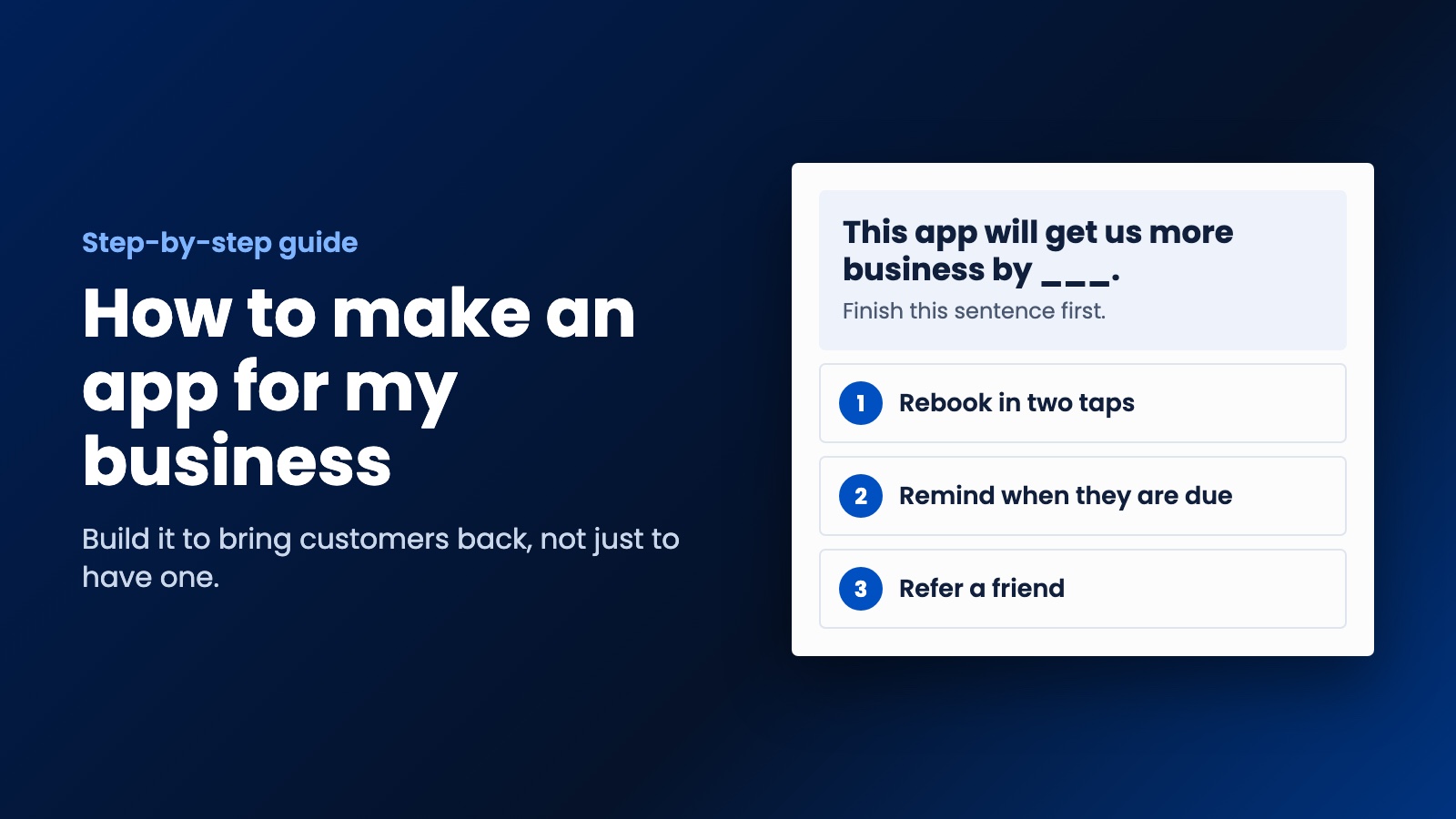
Finish this sentence: "This app will get us more business by ___." Good answers are specific:
- Customers can rebook in two taps instead of calling.
- We can remind people when their next service is due.
- Regulars earn rewards, so they don't go elsewhere.
- Customers can refer a friend from their phone.
If your answer is "people can read about our services," stop there, because that's what your website is for. And if your goal is to find brand new customers, an app won't do that by itself. People find local businesses through Google, not by browsing an app store. An app is much better at keeping the customers you've already won.
Step 2. Choose the few features that bring in money
Your first version only needs what supports that one sentence. These are the features that tend to bring in customers and repeat sales:
- Quick rebooking or reordering. It remembers what they had last time.
- Reminders. A notification when they're due again, which is the feature we'd fight for.
- Saved details. Address, payment method and preferences, so nobody has to type them twice.
- Referrals. One tap to send a friend an invite, with something in it for both of them.
- Loyalty rewards. Useful for cafes, salons and anywhere people come back often.
Leave out everything else for now. News feeds, chat, social features and fancy animations can come later if your customers ask for them. Every extra feature costs money to build and more money to keep working.
Step 3. Sketch it on paper
You don't need design software yet. Draw each screen on a piece of paper, box by box, and walk through it as if you were a customer booking a service. How many taps does it take? Where would you get stuck? Then show it to three actual customers and ask them what they'd expect to happen next.
This costs you an hour and a cup of coffee, and it can catch problems that would cost a lot to fix later.
Step 4. Choose how to make your app
You've got three realistic options, and which one's right depends on how much your business will rely on the app.
A no-code app builder. These let you put together simple apps without writing code. They can be a sensible way to test an idea. The catch is that you're tied to their platform and limited by what it can do, so check what happens if you outgrow it or stop paying.
A web app that works like an app. A progressive web app runs from one codebase on any device and can sit on a customer's home screen. There's no app store involved, which makes it quick to change, and it's often a good first step.
A custom iOS and Android app. This is the one to choose when the app is central to how you make money, or when you need it to connect properly with your booking and customer systems. It takes more investment, but you get exactly what your business needs. You can see what affects the cost in our other guide.
Step 5. Connect it to your website and your customer records
This is where a lot of business apps fall short. An app that doesn't talk to the rest of your business just creates more work. Bookings made in the app should show up in your calendar. Your website and your app should share the same customer details. And when a job's finished, the next reminder should get scheduled by itself.
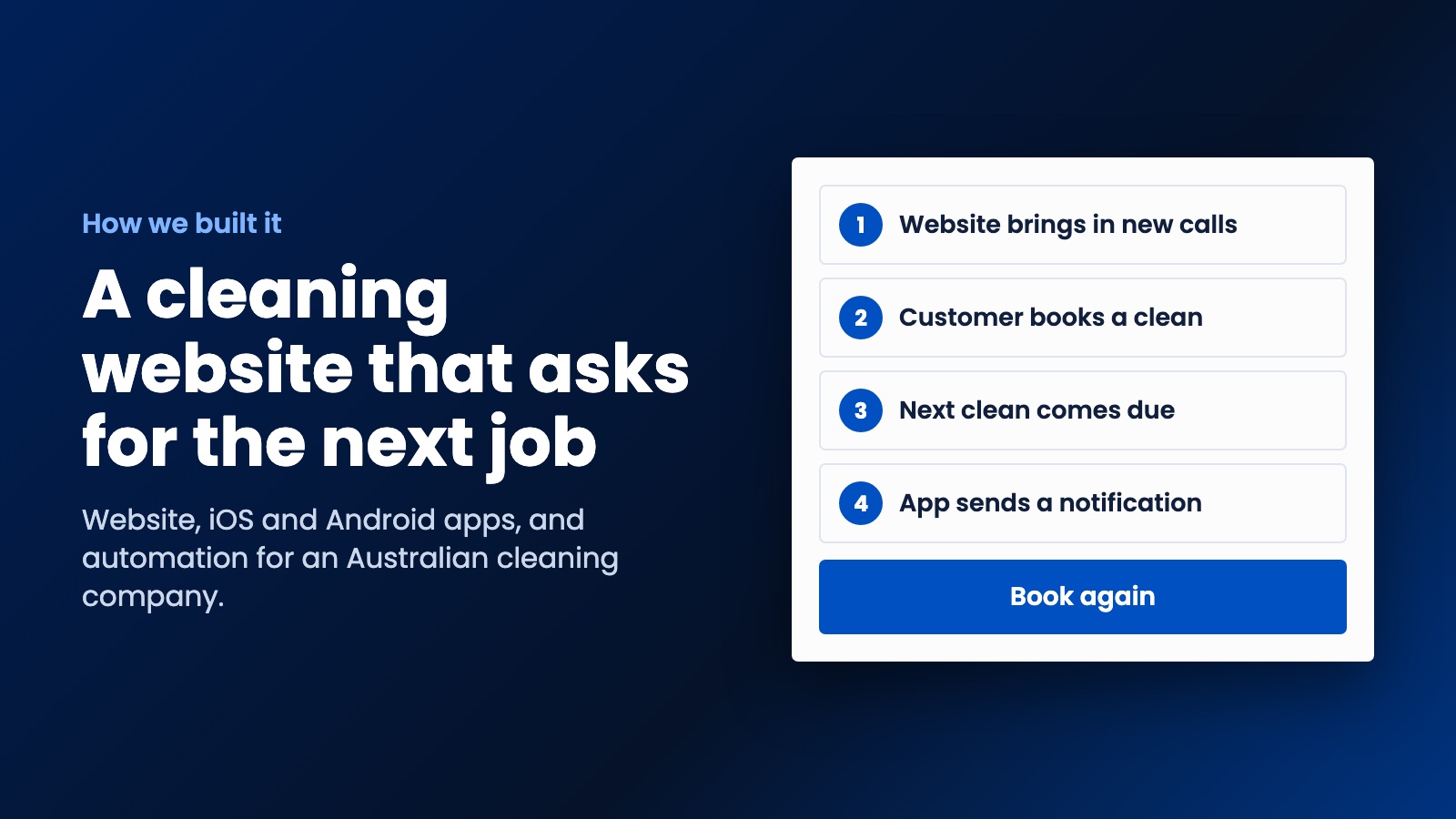
That's how we approached a project for a cleaning company in Australia. The website brings in new calls, and the iOS and Android apps keep existing customers close. When a customer's next clean comes due, they get a notification. It all works as one system rather than three separate things.
Step 6. Publish it in the stores
To get into the stores, you'll need developer accounts in your business's name. The Apple Developer Program is $99 a year, and Google Play has a one-time $25 registration fee. Set these up yourself, or insist they're in your name if a developer does it for you, because it's your business and your app.
Both stores review apps before publishing them, and their requirements change, so allow time for this in your launch plan. You'll also need a privacy policy and some good screenshots. Check the current rules on each store's developer site before you set a launch date.
Step 7. Get your customers to install it
Nobody's going to stumble across your app. Fortunately, you already know who it's for, because they're your existing customers. So ask them:
- Have your staff mention it after every job, and say why it helps. "You can rebook in two taps next time" works better than "download our app."
- Add the link to your invoices, emails and your website.
- Put a QR code on your van, your counter or your receipts.
- Give people a small reason to install it now, like a free add-on with their next booking.
Be polite with notifications, too. Phones ask customers for permission, and if you pester them, they'll turn you off or delete the app. Send things they'd actually want, like "your next clean is due," rather than marketing every week.
Step 8. Measure it like a salesperson
Don't get excited about downloads. A download doesn't pay your bills. Each month, look at how many people book through the app, how often they come back compared with customers who don't use it, and how many referrals it brings in. If it isn't moving those numbers after a fair try, find out why before you spend any more on it.
Mistakes we'd warn you about
The biggest one is building an app before your website works, since that's where new customers meet you first. Others include copying your website into an app, which gives people no reason to install it, and spending your whole budget on launch with nothing left for fixes. Also, make sure you own your code and your store accounts. It's your app, so it should stay yours if you ever change developers. Our list of questions to ask a developer will help you with that.
How to make an app for my business with some help
We build websites and iOS and Android apps for small businesses and startups at WebDo24, at prices that suit a small team. We don't start with a quote for an app. We start by asking how you get customers now and where you're losing them, and then we show you the strategy. Sometimes that's an app, and sometimes it's a better website and a few reminders. If the plan makes sense to you, we go ahead. Tell us about your idea and we'll give you an honest answer.
Need help putting this into practice?
Our team can do it for you — a clear plan and price within 24 hours, no obligation.