Forget the robots. Start with a phone that replies when you are up a ladder, quotes that follow themselves up, and customers who get reminded before they forget about you.
When owners ask us how to automate my small business, they often picture robots and expensive software. What they really need is much less exciting. It's a phone that replies when you're up a ladder, a quote that follows itself up, and a customer who gets reminded before they forget about you. That's where automation brings in more leads and more customers, so that's where we'd start.
You can set up everything below with tools that small businesses already use. Start with one, get it working, then move to the next one.
First, find out where you're losing customers
Don't start with a tool. Grab a piece of paper and follow a customer through your business, from the first time they hear about you to the next time they buy. Then ask yourself where things go quiet.
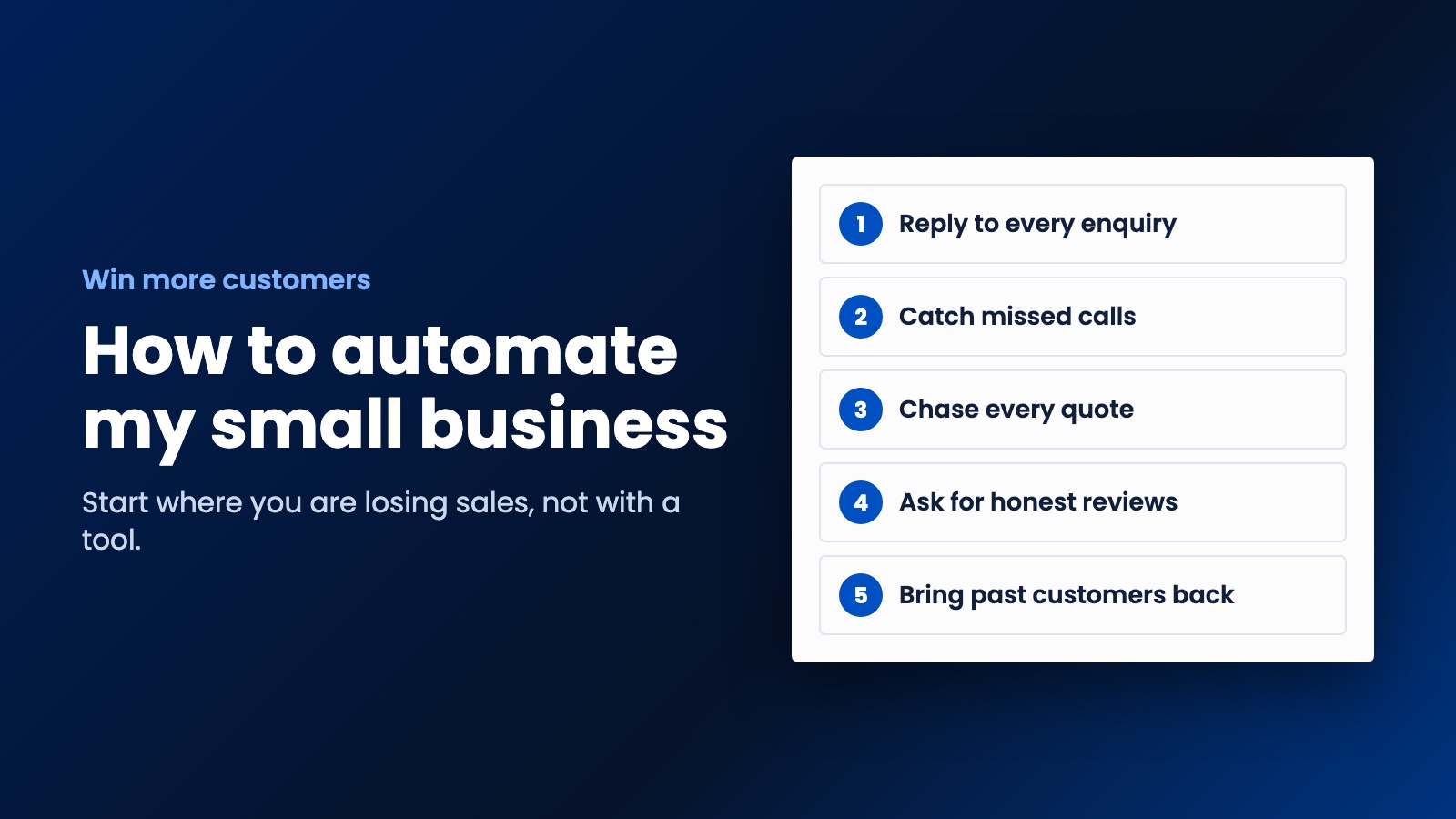
For most small businesses, it's one of these: calls you miss, enquiries you answer too late, quotes you never chase, happy customers you never ask for a review, or past customers you never contact again. Each of those is a sale leaking away, and each has a simple fix. Go after the biggest leak first.
Automation 1. Reply to every enquiry immediately
This takes about ten minutes, and it's the best place to begin. Set up your website form so that two things happen the moment somebody hits send:
- You get a notification on your phone, with their details.
- They get an email saying you've got their message and when you'll reply.
Most form tools and website builders can do this without any extra software. The customer knows that you're real and that their message arrived, which gives you a bit more time before they try the next company on the list.
Automation 2. Catch the calls you miss
If you work with your hands, you miss calls. There's no way around that. And a lot of people won't leave a voicemail. They'll just ring somebody else.
Many business phone services can automatically text a caller back when you don't pick up. Something like: "Sorry I missed you, it's Tom from Tom's Electrical. I'm on a job and I'll ring you back by 3. What do you need help with?" Now you've got a conversation going rather than a lost lead. Check the rules on business texting where you operate, though, particularly in the US, where text messages have strict consent rules.
Automation 3. Chase every quote
Lots of quotes go unanswered, and often it's just because people got busy. Plenty of businesses don't follow up consistently, so doing this can set you apart.
Set up a simple sequence for every quote you send:
- Two days later, a short check that they got it and whether they've got any questions.
- A week later, a helpful nudge, perhaps with a review from a similar job.
- Two weeks later, a last message saying you'll close it for now, and they can come back any time.
It has to stop the moment they reply. There's nothing worse than a chaser arriving after they've already said yes.
Automation 4. Ask for a review after every job
Reviews bring in new customers, especially on Google, but asking is easy to forget at the end of a long day. So don't leave it to memory. When a job's marked as finished, or an invoice is paid, send a short message with a direct link to your Google review page.
Ask everyone, and ask for an honest review. In the US, the FTC's rules ban fake reviews and bar incentives tied to a particular sentiment. If you haven't got a Google profile yet, start with our setup guide.
Automation 5. Bring past customers back
For a business with repeat customers, this is the one we like best. Work out when a customer is likely to need you again, then remind them just before that. We've got a whole tutorial on automatic rebooking reminders, including sample messages and the consent rules.
We used the same idea for a cleaning company in Australia. We built them a website and iOS and Android apps, and when a customer's next clean comes due, they get a notification. Nobody at the company has to remember.
Which tools should you use?
Look at what you're already paying for first. Booking systems, accounting packages, email tools and CRMs often include automations that nobody's switched on. You may not need anything new.
If your tools don't talk to each other, services like Zapier and Make can connect them. "When a new row appears in this sheet, send this email" is the sort of thing they're good at, and you don't need to write code. If you end up with a lot of these, or you're copying data around all day, that's a sign you may be better off with something built for how you work.
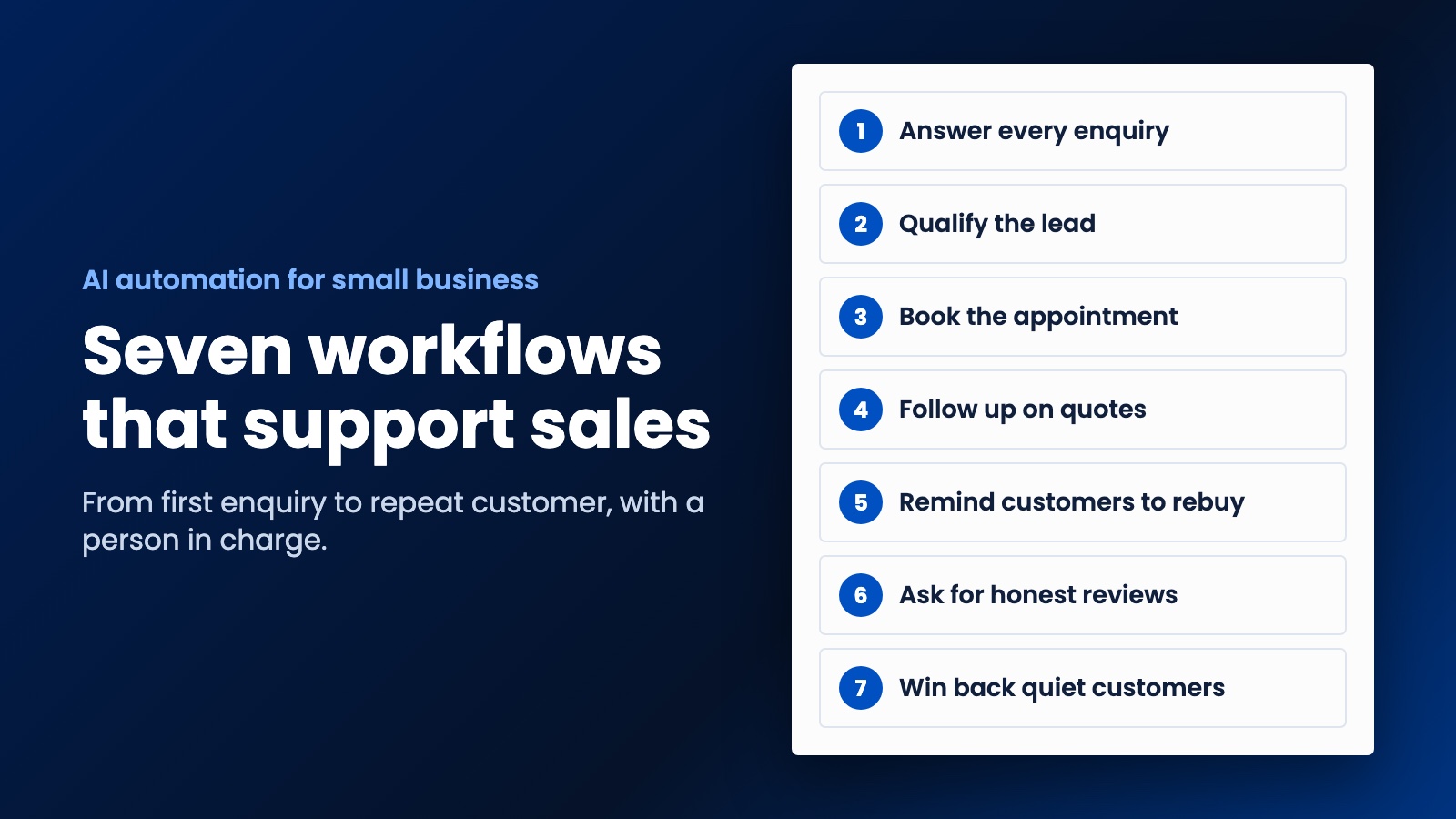
As for AI, it's useful, but don't start there. Get the basics running first, then add it where it helps, such as answering common questions after hours. We've written about the AI workflows that support sales if you'd like to read more.
Mistakes that make automation backfire
Sounding like a robot. Write every message the way you'd write it to a customer yourself. Use their name, sign it with yours, and keep it short.
Forgetting to stop. Every sequence needs to end when somebody replies, books or asks you to stop. That one rule prevents most of the embarrassing moments.
Ignoring the rules. Marketing by email and text has consent rules in most countries, and they do apply to small businesses. Australia's regulator, for example, says you generally need consent and a working unsubscribe option. Keep a record of who agreed to hear from you. This isn't legal advice, so check what applies to you.
Automating a mess. If you can't say what should happen when a new enquiry comes in, a computer can't either. Sort out the process first.
Setting it and forgetting it. Test your own forms and messages every few months. A form that's been quietly broken for six weeks is a very expensive surprise.
How to tell if it's paying off
Count a few things before you start, and again each month: how many enquiries you get, how quickly you reply, how many quotes turn into jobs, how many reviews you've got and how many past customers book again. If those numbers aren't moving after a couple of months, change something or stop doing it.
How to automate my small business starting this week
Do the instant reply today, since it only takes ten minutes. Next week, set up review requests. Then pick whichever of the others matches your biggest leak.
If you'd rather have all of this built into your website from the start, that's what we do at WebDo24. We build websites and iOS and Android apps for small businesses and startups, with the follow-ups already in place, at prices that make sense for a small team. We'd sit down with you first and show you the strategy, including which automations you need and which you don't. You decide if it makes sense, and only then do we get to work. Tell us how your business runs and we'll send you a plan.
Need help putting this into practice?
Our team can do it for you — a clear plan and price within 24 hours, no obligation.